Getting started
Last updated 2026-10-01
CharID turns a story into finished pages in six steps: a character, a setting, a scene, a plan, Studio, and export. Each step builds on the last.
1. Characters
Add the people (or creatures) your story follows. A character needs a name and enough description that CharID can draw them the same way every time: build, hair, clothing, and any permanent features.
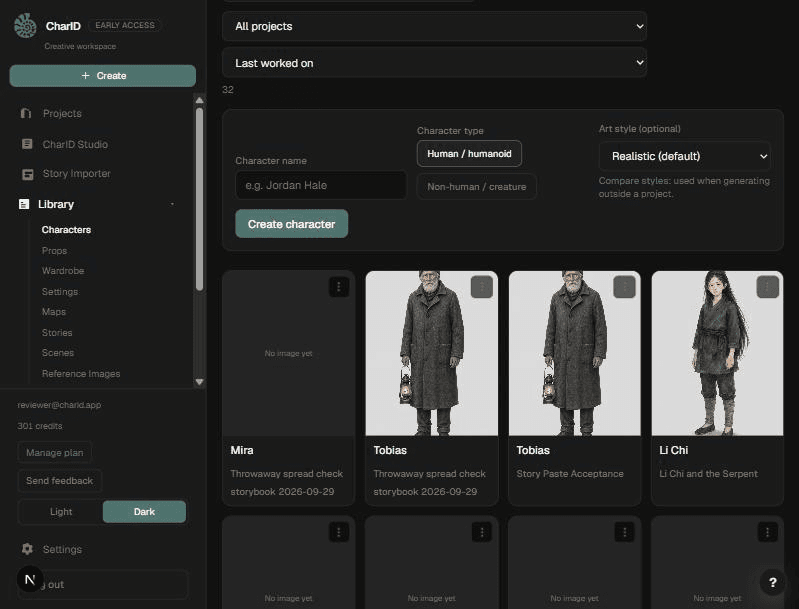
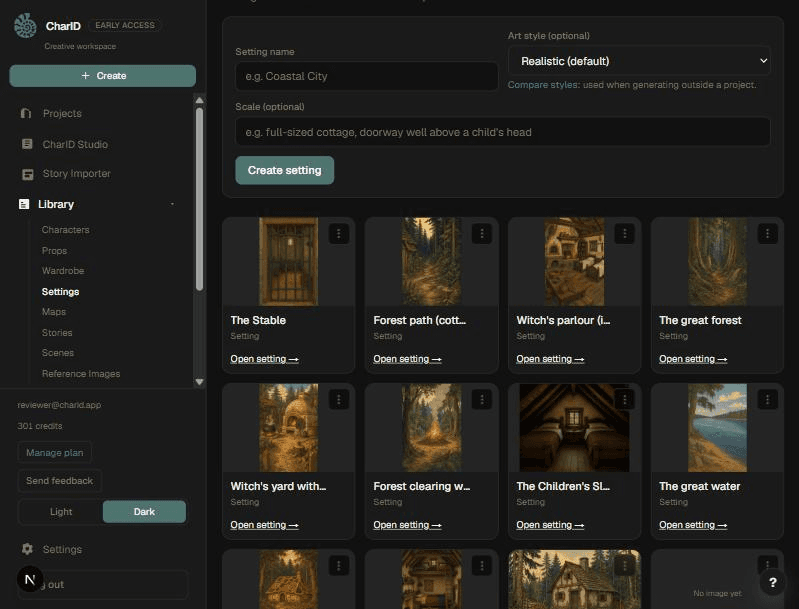
2. Settings
Add the places your story happens. A setting gets its own reference image too, so a room or a street looks the same from scene to scene.
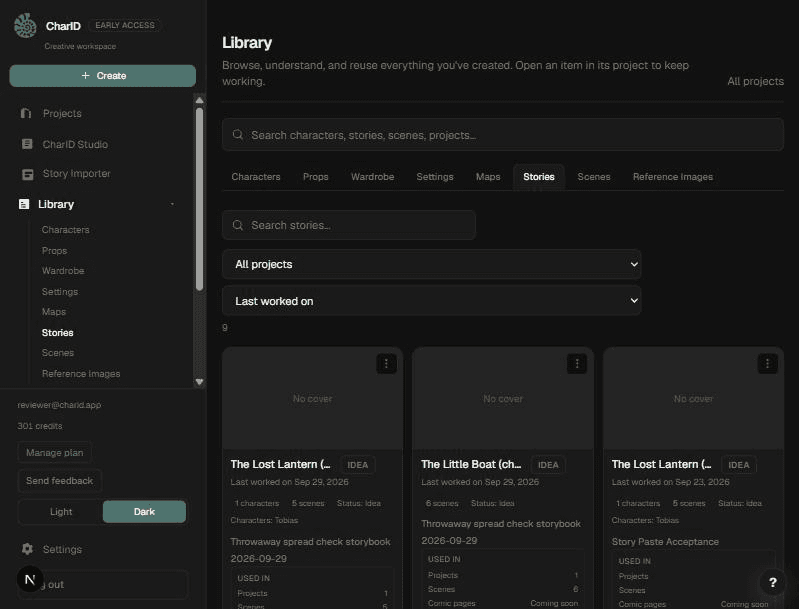
3. Story
Add a scene: one moment in the story, with who is in it and what happens. Import a manuscript to generate scenes automatically, or write them by hand.
4. Plan
Generate a picture plan for the scene: panels, camera angles, and what happens in each one. Review the plan and approve it before it becomes pages.
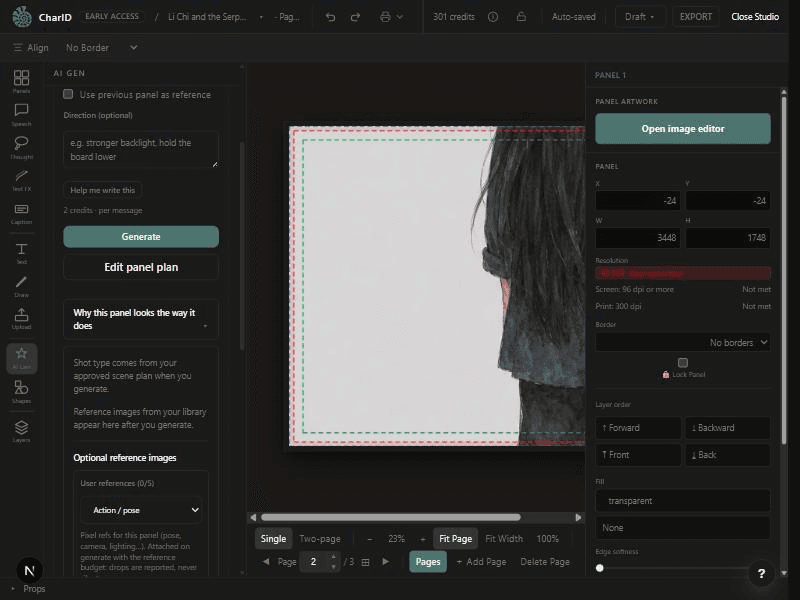
5. Studio
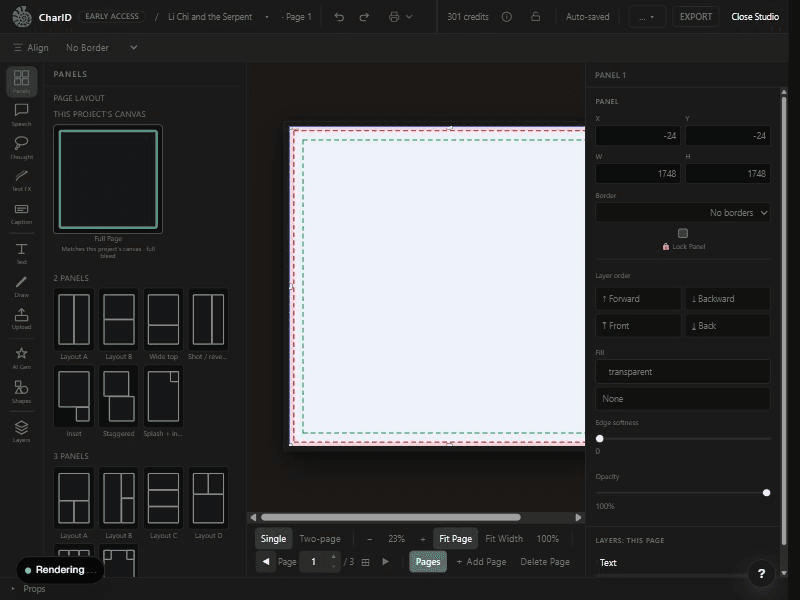
Approving a plan unlocks pages in Studio. Select a panel, open AI Gen, and generate the artwork for it using the plan and your character and setting references.
6. Export
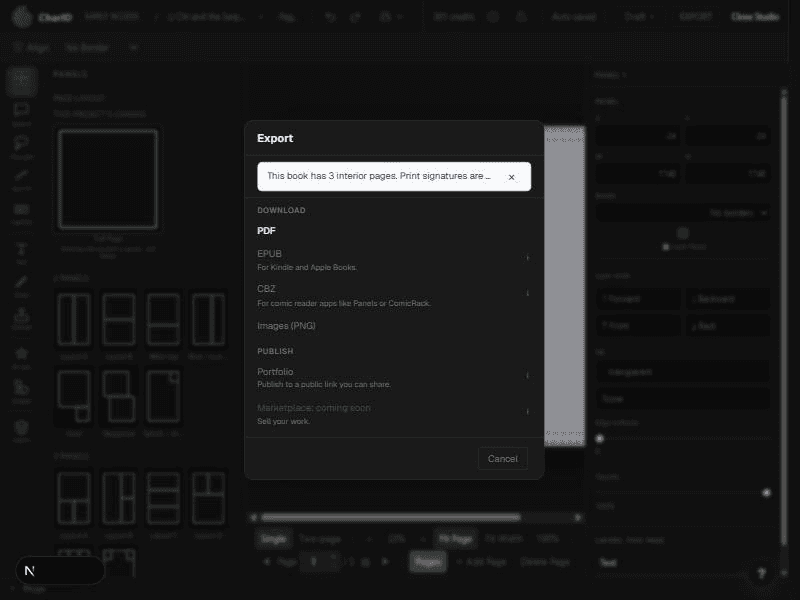
When your pages are finished, download a PDF or publish to your portfolio so others can read it.
Was this helpful?